
|
Sending Commands
LenderOutlook provides the functionality to send commands to a single vehicle or multiple vehicles at once from a number of modules. The Dashboard provides the most efficient method of sending commands to your managed vehicles.
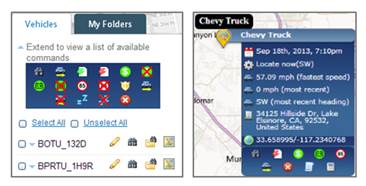
Commands are device dependent. You can access the list of available commands for each device from the Vehicle Tool Tip or the Vehicles List. A command with a red X through the icon indicates that the command is not available to send to the vehicle’s installed device.
Commonly Used Commands
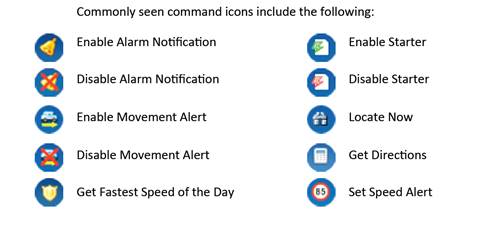
The following list displays the commonly used commands available in LenderOutlook. The command icons available in your account may vary from the icons displayed below.